Browser extension
Your browser hands downloads to Fetchly
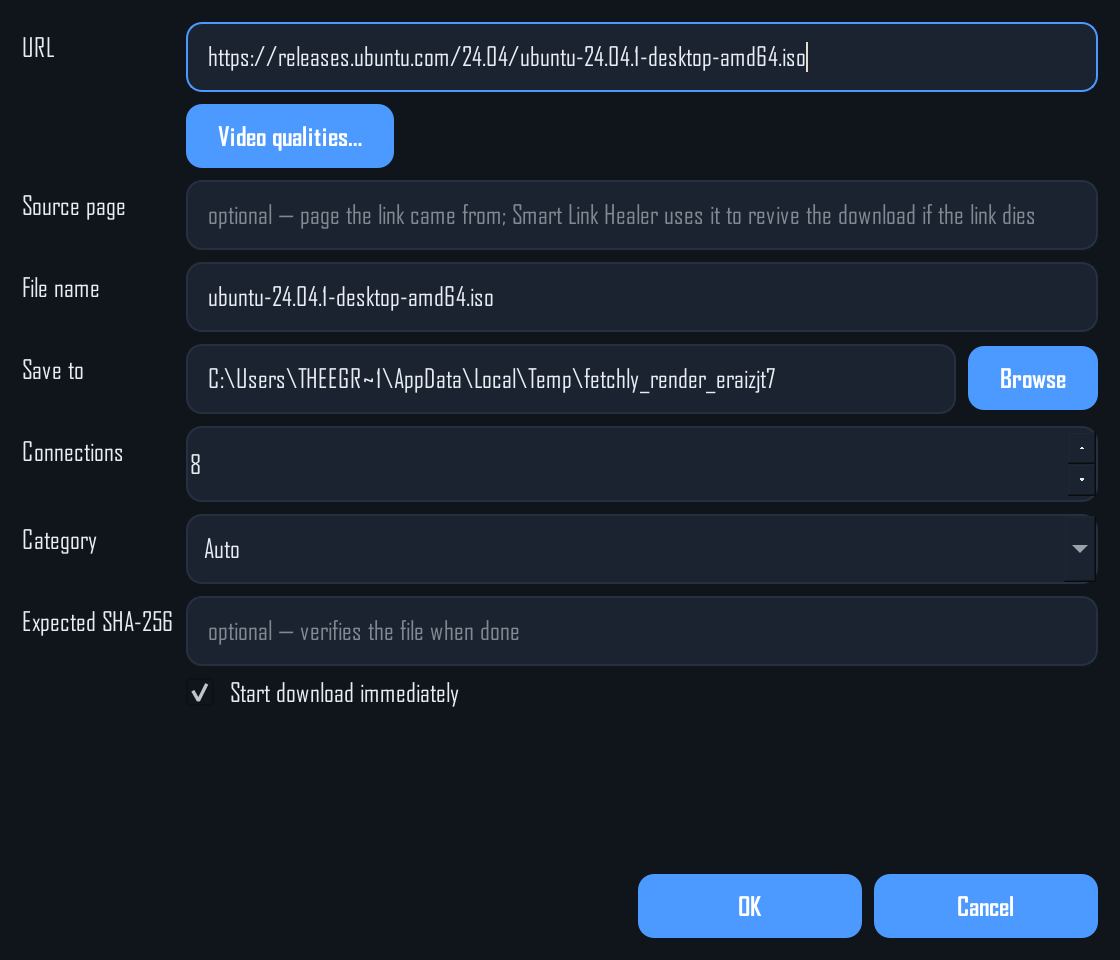
The Fetchly Download Catcher (Manifest V3, version 1.5.0) catches downloads and page videos in Chrome, Edge and Brave, and sends them to the desktop app. Every catch pops a prompt — start it, or cancel it.

Fetchly Download Catcher
The extension ships inside every Fetchly install — and right here as a zip, if you want it separately.
Version 1.5.0
Format Manifest V3
Browsers Chrome · Edge · Brave
Size 17 KB
Download the extension (.zip)
fetchly-extension.zip — unzip it, then load the folder as an unpacked extension
Setup
Running in three steps
01
Copy the token
In Fetchly, open Settings and copy the Extension token.
02
Load the extension
Open chrome://extensions, enable Developer mode, click Load unpacked and select the unzipped extension folder.
03
Paste, save, test
Click the Fetchly toolbar icon, paste the token, Save, then Test. You can also right-click any link → Download with Fetchly.
What it catches
More than a download button
- Browser downloads — anything the browser starts downloading is offered to Fetchly instead, with a start/cancel prompt.
- Page videos — the catcher spots playable media on pages and can send it to Fetchly's video grabber.
- Right-click menu — "Download with Fetchly" on any link, image or page.
- Local only — the extension talks to Fetchly on your own machine (127.0.0.1). Nothing leaves your PC.